Spatiko integrations
: Your tools,
wired together
Connect Stripe or Square, Google Calendar, Gmail, Dropbox or Drive, and iGUIDE or CubiCasa once. From then on, every order reaches each of them on its own. No Zapier, no add-ons, no copy-paste between tabs.

One booking. Every tool you use.
Spatiko, the real estate photography software, connects to Google Calendar, Gmail, Google Drive, Dropbox, Stripe, Square, CubiCasa, iGUIDE, YouTube, Frame.io, HubSpot, Google Tag Manager and ChatGPT Ads, imports from Aryeo and HD Photo Hub, and works with Claude, ChatGPT or any MCP AI app. Connect each once; from then on, every order carries its details to the tools it needs.
| When | Your tools | What lands there | What you stop doing | Where it's explained |
|---|---|---|---|---|
| Chapter 1: Booked See how: chapter 1, Booked At booking |
| Payment, calendar event, confirmation | Typing it into your calendar | See how: chapter 1, Booked |
| Chapter 2: Floor plans See how: chapter 2, Floor plans Booking to plans |
| The floor-plan job, then the plans | Placing the vendor order | See how: chapter 2, Floor plans |
| Chapter 3: Delivered See how: chapter 3, Delivered At delivery |
| Folders, files, video, review notes | The second upload | See how: chapter 3, Delivered |
| Chapter 4: Grow See how: chapter 4, Grow From click to paid |
| The deal and the conversion | Re-typing orders into your CRM | See how: chapter 4, Grow |
| AI See how: AI assistants Any time |
| Answers and new orders, by chat | Opening the dashboard | See how: AI assistants |
Chapter 1: Booked At booking
The booking does its own admin.
Your client books. You don't touch it. Your client pays through your own Stripe or Square, the shoot lands on Google Calendar, and the confirmation goes out from your Gmail.
- Spatiko takes no cut
- Drag it in Google, the shoot moves
- Knows where you're driving from
-

Stripe
Cards, Apple Pay, Google Pay, Link and PayPal, into your own Stripe account.
Guide: Stripe -
Square
Card payments into your own Square account.
Guide: Square -
Google Calendar
Busy time on the calendars you tick blocks the slot; every shoot lands on yours.
Guide: Google Calendar -

Gmail
Confirmations and deliveries go out from your address; replies reach your inbox.
Guide: Gmail
“Now clients use my order form and pay with Apple or Google Pay, finish in under a minute, and compliment how easy it is.”
 Nikita Greene Founder of Umedia See Umedia’s booking page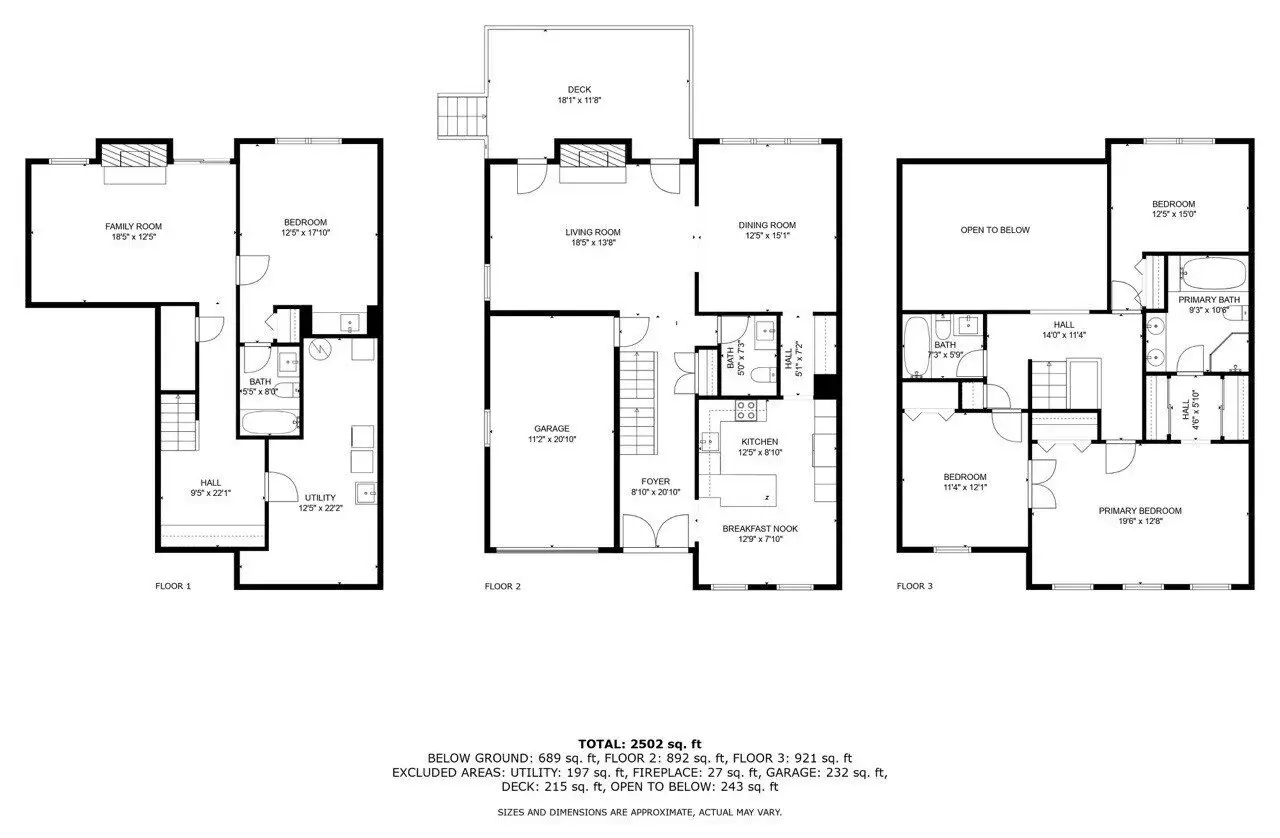
Chapter 2: Floor plans Booking to plans
Floor plans that order themselves.
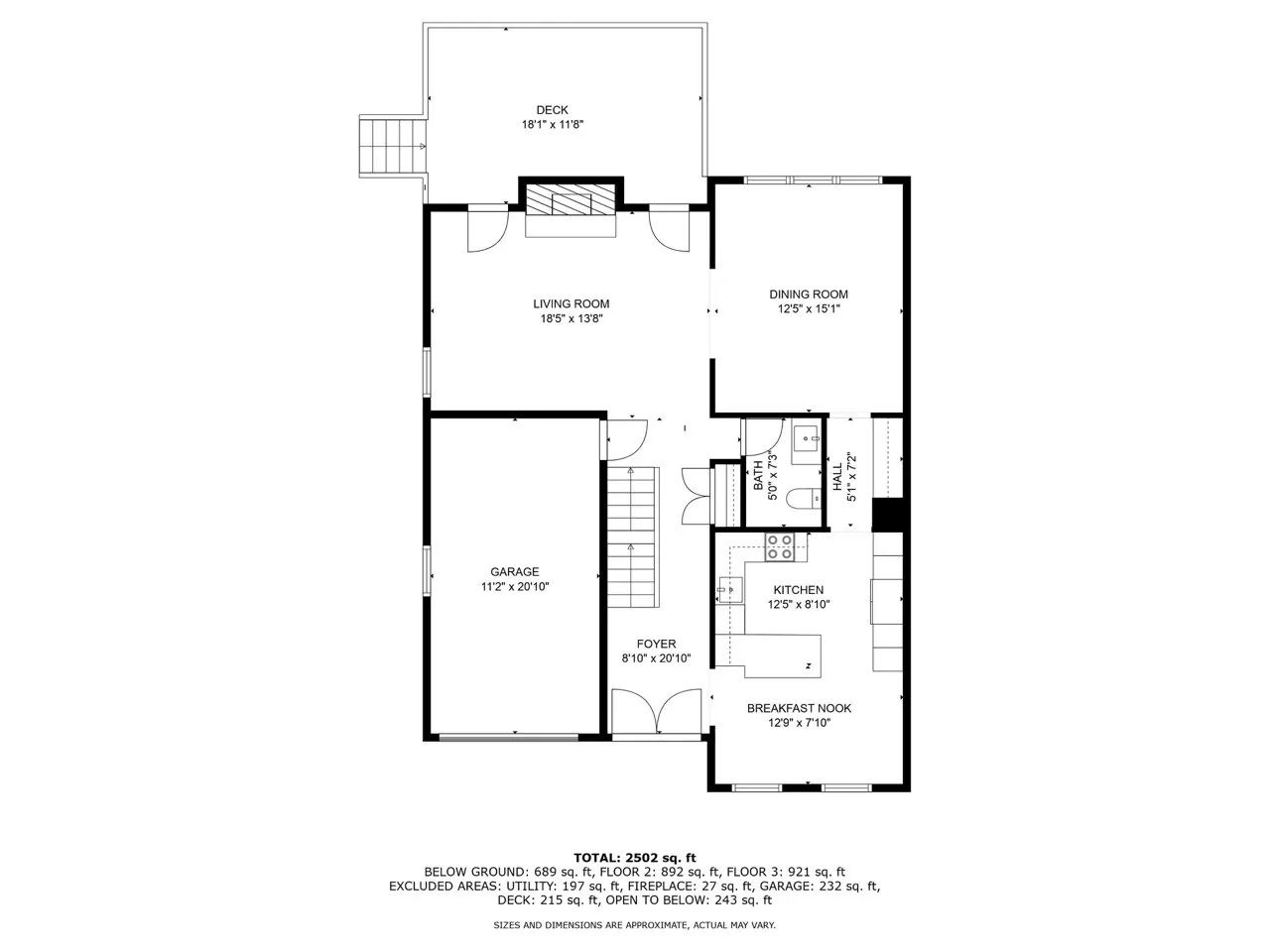
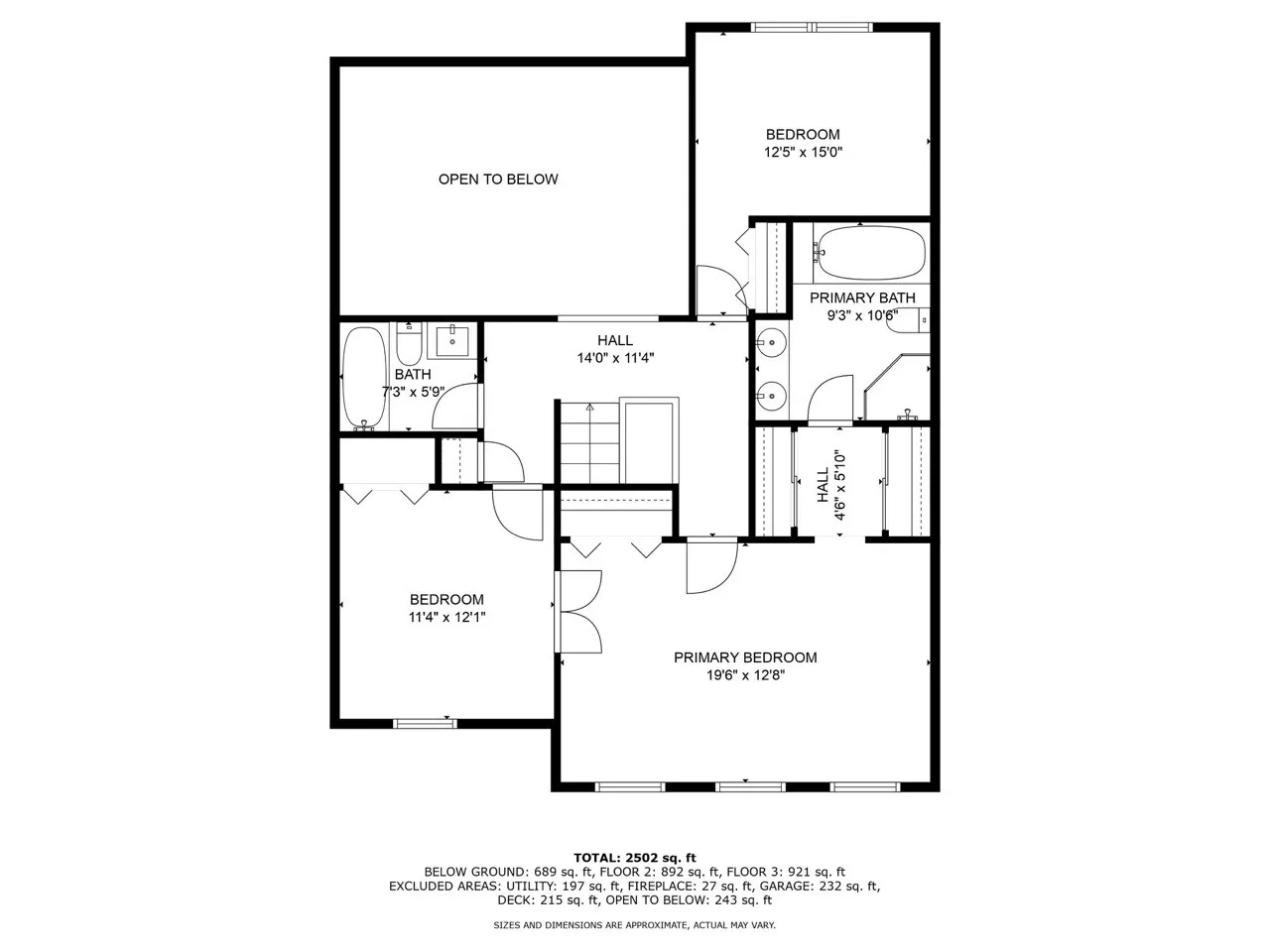
Book the service. The job's already waiting. Map a service to a CubiCasa package or an iGUIDE package once, and every booking that includes it opens the job in your own account.
- Billed to your own vendor account
- Waits for payment when it's due upfront
- Unbranded tour on the property website
-

iGUIDE
BetaCreated in your iGUIDE Portal; floor plans and both tour links come back.
Guide: iGUIDE -

CubiCasa
Import automatically or review first; finished plans land on the order.
Guide: CubiCasa
Matterport or Zillow 3D? Paste the tour link on the order and it embeds.
Tours on the property websiteChapter 3: Delivered At delivery
Deliver straight from your Dropbox or Drive.
Export once. Deliver from that folder. Every order gets Raw and Delivery folders in your storage, finished files land in the branded gallery, and videos go to YouTube or Frame.io.
- Full-quality downloads from your folder
- Your own subfolders in Dropbox
- YouTube uploads straight from your folder





-

Dropbox
Folders for every order; turn on auto-import and finished files land on the order.
Guide: Dropbox -

Google Drive
The same folders for every order; import finished files when you're ready.
Guide: Google Drive -

YouTube
Upload an order's video to your channel, unlisted, to play on the gallery and property website.
Guide: YouTube -

Frame.io
BetaOne review link per order; clients comment on the exact second, no login.
Guide: Frame.io
Keep your Dropbox. Lose the second upload.
No credit card needed
Chapter 4: Grow From click to paid
Know which ads bring the bookings.
Every booking, reported where you already track. Tag Manager and ChatGPT Ads learn which clicks turn into bookings, and HubSpot gets every order.
- Respects cookie consent
- No duplicate deals or contacts
- Your client records stay in Spatiko

-

HubSpot
Each order becomes a deal with line items; paid shoots close as won.
Guide: HubSpot -

Google Tag Manager
Your container on your order forms, with booking events in the dataLayer.
Guide: Google Tag Manager -

ChatGPT Ads
Booking conversions sent to your ChatGPT Ads pixel, no Tag Manager needed.
Guide: ChatGPT Ads
Any time
Run it all from Claude or ChatGPT.
Ask your AI. It works within your permissions. Connect your AI app, and it can check your schedule, create orders and pull your numbers.
- Permissions per area, revoke anytime
- Asks before emailing a client
- Doesn't use AI credits
-

Claude
Connect with Claude from Spatiko's AI Connections settings.
Guide: Claude -

ChatGPT
Connect with ChatGPT from the same settings page.
Guide: ChatGPT -
Any MCP AI app
Paste your connection link into any app that supports MCP.
Guide: Any MCP AI app
Connecting Spatiko to Claude lets me just ask for what I want — it creates orders while I’m driving, and it goes through my business performance to show me where I’m losing clients.

Oleks
Founder of Oleks Digital Production
Connect once. Keep it all yours.
Most tools connect with one sign-in; a few take a key you paste once.
- One connection for the studio Every tool except Google Calendar and your AI app connects once for the whole team.
- No per-tool fees Connections come with your plan, with no connector subscription to pay.
- Only the access you approve Each sign-in shows what Spatiko is asking for, and Gmail can only send.
- Leave with everything Disconnect, and your files, videos and calendar events stay where they are.
Every Spatiko integration, at a glance.
18 tools: what each does and how it connects.
Show all 18 Hide the list
| Tool | What it does | How you connect | Guide |
|---|---|---|---|
| Booked | |||
| Stripe | Cards and wallets, paid to you | Sign in | Stripe, in chapter 01 above Guide: Stripe |
| Square | Card payments, paid to you | Sign in | Square, in chapter 01 above Guide: Square |
| Google Calendar | Shoots in, busy time out | Sign in (each photographer) | Google Calendar, in chapter 01 above Guide: Google Calendar |
| Gmail | Client emails from your address | Sign in | Gmail, in chapter 01 above Guide: Gmail |
| Floor plans | |||
| iGUIDE Beta | iGUIDEs created when booked | Sign in, renew yearly | iGUIDE, in chapter 02 above Guide: iGUIDE |
| CubiCasa | Floor plans ordered when booked | Paste an API key | CubiCasa, in chapter 02 above Guide: CubiCasa |
| Delivered | |||
| Dropbox | Order folders, optional auto-import | Sign in | Dropbox, in chapter 03 above Guide: Dropbox |
| Google Drive | Order folders, import when ready | Sign in | Google Drive, in chapter 03 above Guide: Google Drive |
| YouTube | Property videos on your channel | Sign in | YouTube, in chapter 03 above Guide: YouTube |
| Frame.io Beta | Timestamped video review | Sign in | Frame.io, in chapter 03 above Guide: Frame.io |
| Grow | |||
| HubSpot | Every order as a deal | Paste an API key | HubSpot, in chapter 04 above Guide: HubSpot |
| Google Tag Manager | Booking events for your ads | Paste a container ID | Google Tag Manager, in chapter 04 above Guide: Google Tag Manager |
| ChatGPT Ads | Booking conversions to ChatGPT Ads | Paste a pixel ID | ChatGPT Ads, in chapter 04 above Guide: ChatGPT Ads |
| AI | |||
| Claude | Run your studio by chat | Connect from AI settings | Claude, in the AI section above Guide: Claude |
| ChatGPT | Run your studio by chat | Connect from AI settings | ChatGPT, in the AI section above Guide: ChatGPT |
| Any MCP AI app | Any app that supports MCP | Add the connection link | Any MCP AI app, in the AI section above Guide: Any MCP AI app |
| Switching | |||
 Aryeo import Aryeo import | Bring your Aryeo data across | Paste an API key | Guide: Aryeo import |
 HD Photo Hub import HD Photo Hub import | Bring your HD Photo Hub data | Paste an API key | Guide: HD Photo Hub import |
Integrations come with paid plans (HubSpot, Tag Manager and ChatGPT Ads from Pro); the Aryeo and HD Photo Hub imports work on every plan. Compare plans · How connecting works · Data use · Missing a tool? Tell us.
Set it up with the founder, free.
On a call, the founder connects your tools with you and, if you're switching, plans the move.
- Keep your Stripe or Square, your calendar and your storage
- Run both platforms until you're ready
Coming from Aryeo or HD Photo Hub? Clients, orders and payments import directly, on every plan; photos aren't copied, and from anywhere else clients and orders come in by CSV. How moving works ›
7 years in this industry and Spatiko is the first one that actually felt built for how I work. I send feedback and it gets heard in real time, the update just shows up a few days later.

Questions about Spatiko integrations
Straight answers about connecting your tools.
No. Integrations come with your Spatiko plan, with no per-connection fee and no Zapier subscription to keep paying. Each tool is built in, so there's no workflow to build or maintain. Stripe, Square, CubiCasa and iGUIDE charge their usual fees to your own accounts; Spatiko adds no per-transaction fee on top.
No. Spatiko connects to the accounts you already run instead of replacing them. Payments settle in your own Stripe or Square account, files stay in your own Dropbox or Google Drive, and shoots land on your own Google Calendar. You can keep Stripe and Square both connected; one of them collects new charges at a time.
Starter and up include Google Calendar, Google Drive, Dropbox, Gmail, YouTube, Frame.io, CubiCasa, iGUIDE, Stripe and Square, plus AI connections for Claude and ChatGPT. HubSpot, Google Tag Manager and ChatGPT Ads need Pro or higher. The Aryeo and HD Photo Hub imports run on every plan, so you can move your business across before you pay.
Most connect by signing in and approving access: Google Calendar, Gmail, Google Drive, Dropbox, YouTube, Frame.io, iGUIDE, Stripe and Square. CubiCasa and HubSpot take a key you paste once; Google Tag Manager and ChatGPT Ads take an ID. Some then ask one setup question, like which Dropbox folder or Square location to use.
Yes, on every plan. The Aryeo import brings over clients, your product catalog, orders, appointments, payments and media links. The HD Photo Hub import brings over clients, orders, shoot history, payments and refunds. Photos aren't copied, so keep your originals where they are. Book a demo for free onboarding help with the move.
Yes, for shoot times. Busy time on the calendars you choose, including read-only ones you subscribe to, blocks booking slots. Each shoot is written to the one calendar you pick. Drag it to a new time in Google and the booking moves in Spatiko, and your client is emailed the new time. Each photographer connects their own.
Yes. Square is a full card processor in Spatiko, not a fallback: clients pay by card through your own Square account at booking, on invoices and to unlock downloads. Apple Pay, Google Pay, Link and PayPal are Stripe-only. You can keep both connected and choose which one collects new charges.
Yes. Spatiko creates a raw and a delivery folder for every order in your Dropbox or Google Drive. Dropbox can import finished files on its own once you turn it on; with Google Drive you choose when to import. Your client gets your branded gallery and downloads full-resolution originals straight from your storage.
Yes. Map a service to a CubiCasa package or an iGUIDE type, and booking it places the CubiCasa order or creates the iGUIDE in your Portal. If you charge upfront, the job waits until the order is paid. Finished floor plans and iGUIDE tour links land back on the order. Both bill your own account. iGUIDE is in Beta.
Yes. Connect Gmail and booking confirmations, delivery notifications and receipts go out from your own Gmail address. Replies land in your inbox and copies sit in your Sent mail. The connection can only send email, never read it. You can also send from your own email domain without connecting Gmail.
Yes, one way. Each order becomes a HubSpot deal with line items, travel fee and discounts, and the contact is matched by email or created for you. Optional lead capture adds HubSpot tracking to your order forms, and loads it only after the visitor accepts marketing cookies. Spatiko's client CRM stays built in alongside it.
Yes. Connect Claude, ChatGPT or any AI app that supports MCP, the open standard for connecting AI apps to your tools, and manage shoots, orders, pricing, clients and billing by chat. You set what it can see or change in each area, and it asks before emailing a client. See what it can do.
Keep your tools. Lose the busywork.
Connect them once; your orders do the typing.
No credit card needed
Comments 1
Jordan Meyers 0:42
Can we open on the twilight shot?