AI photo editing your agents will pay for.
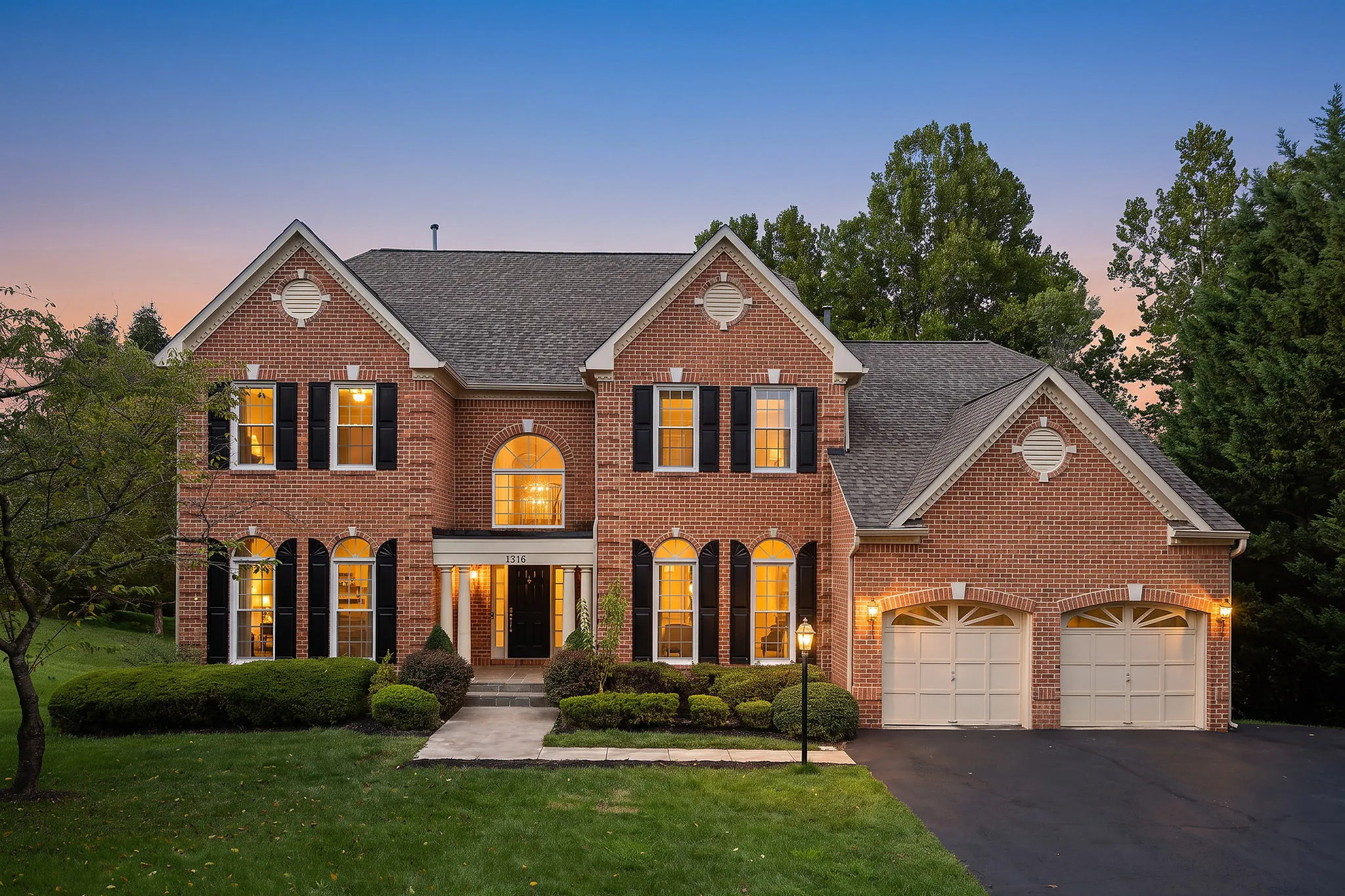
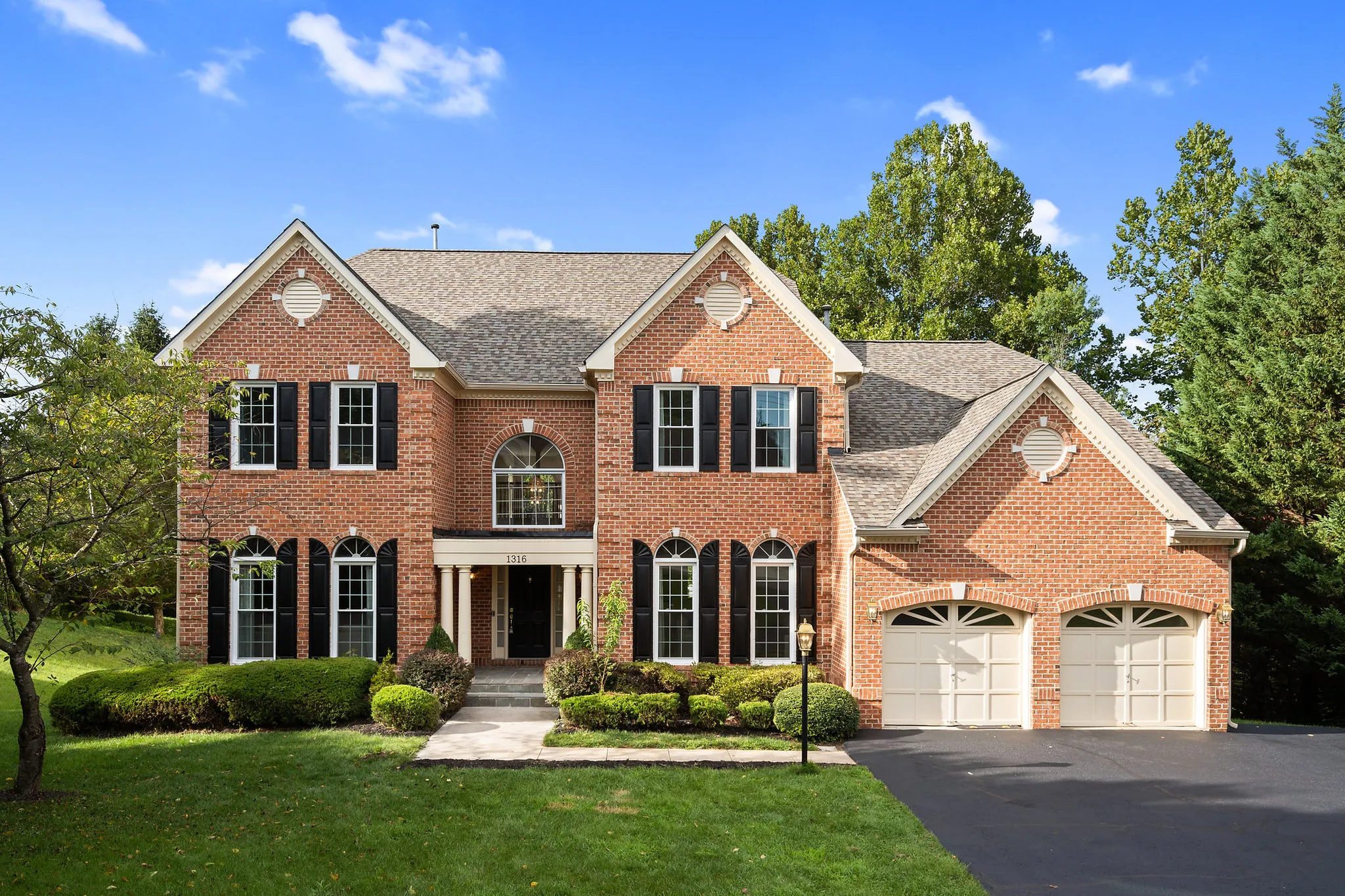
Sell virtual twilight, staging and more as add-ons. Make them inside the order, approve every result, and deliver them in the same gallery.
No credit card to start. AI Studio is on Starter and up.
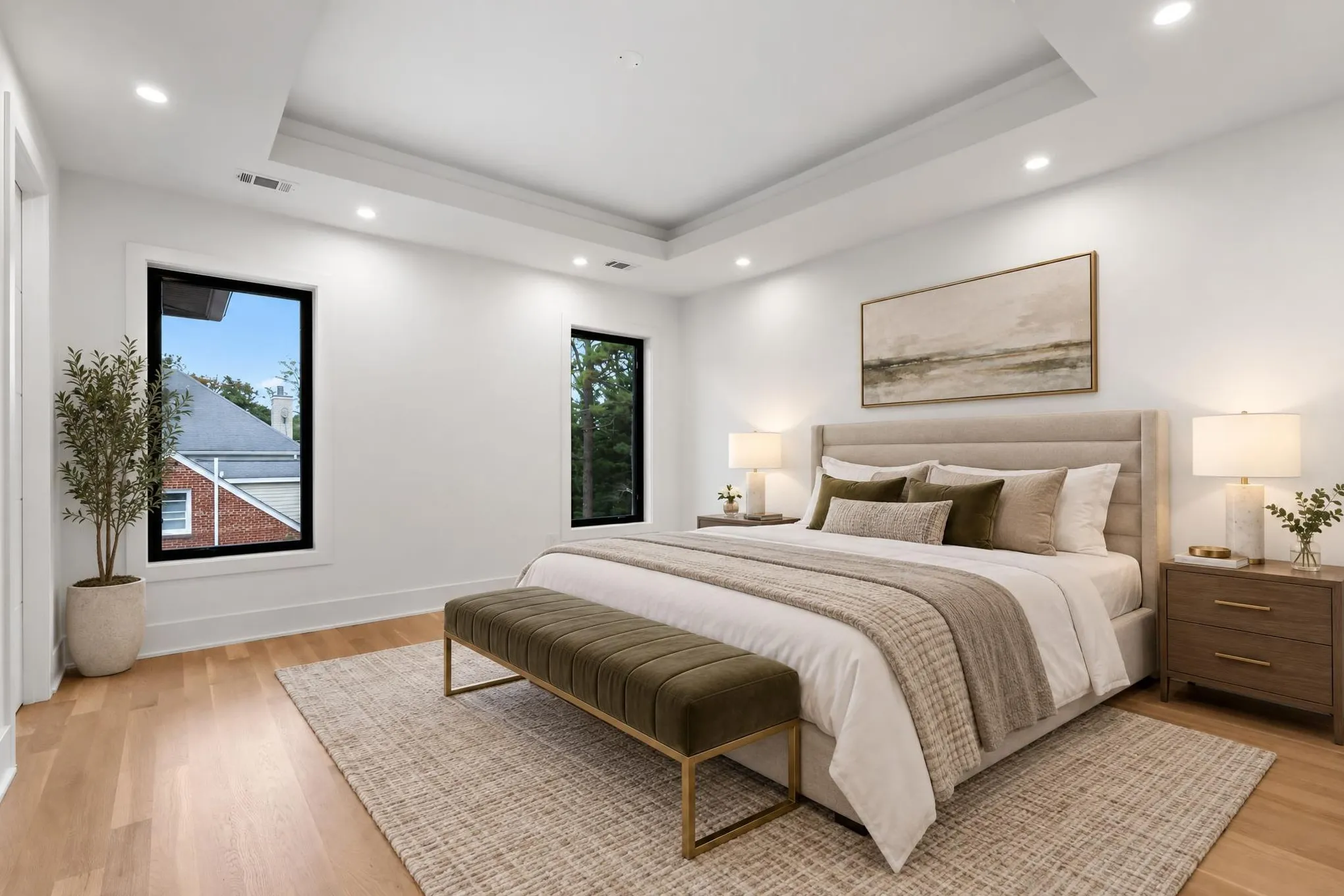
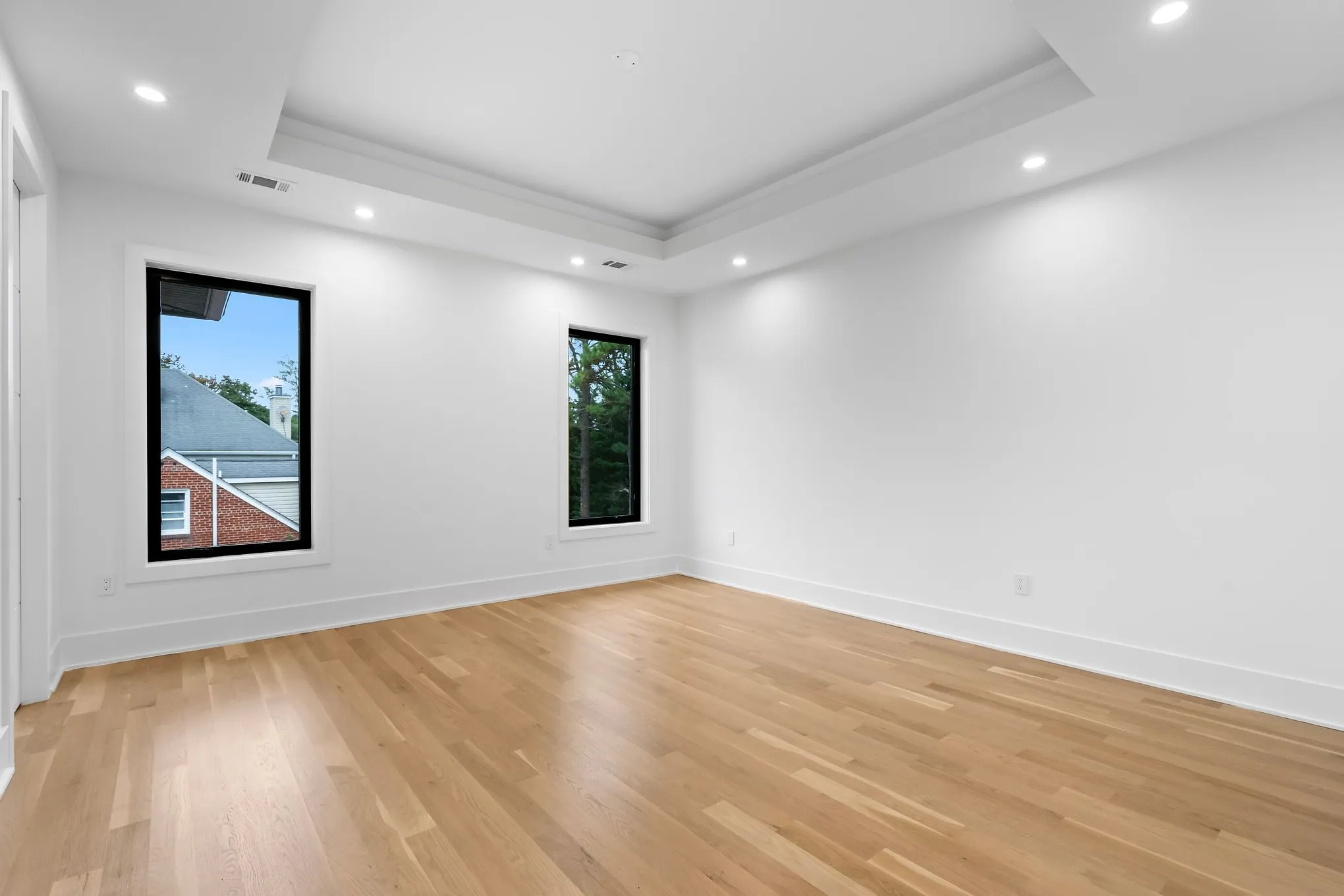
What is AI Studio?
AI photo editing built right into every Spatiko order. No exporting, no second app.
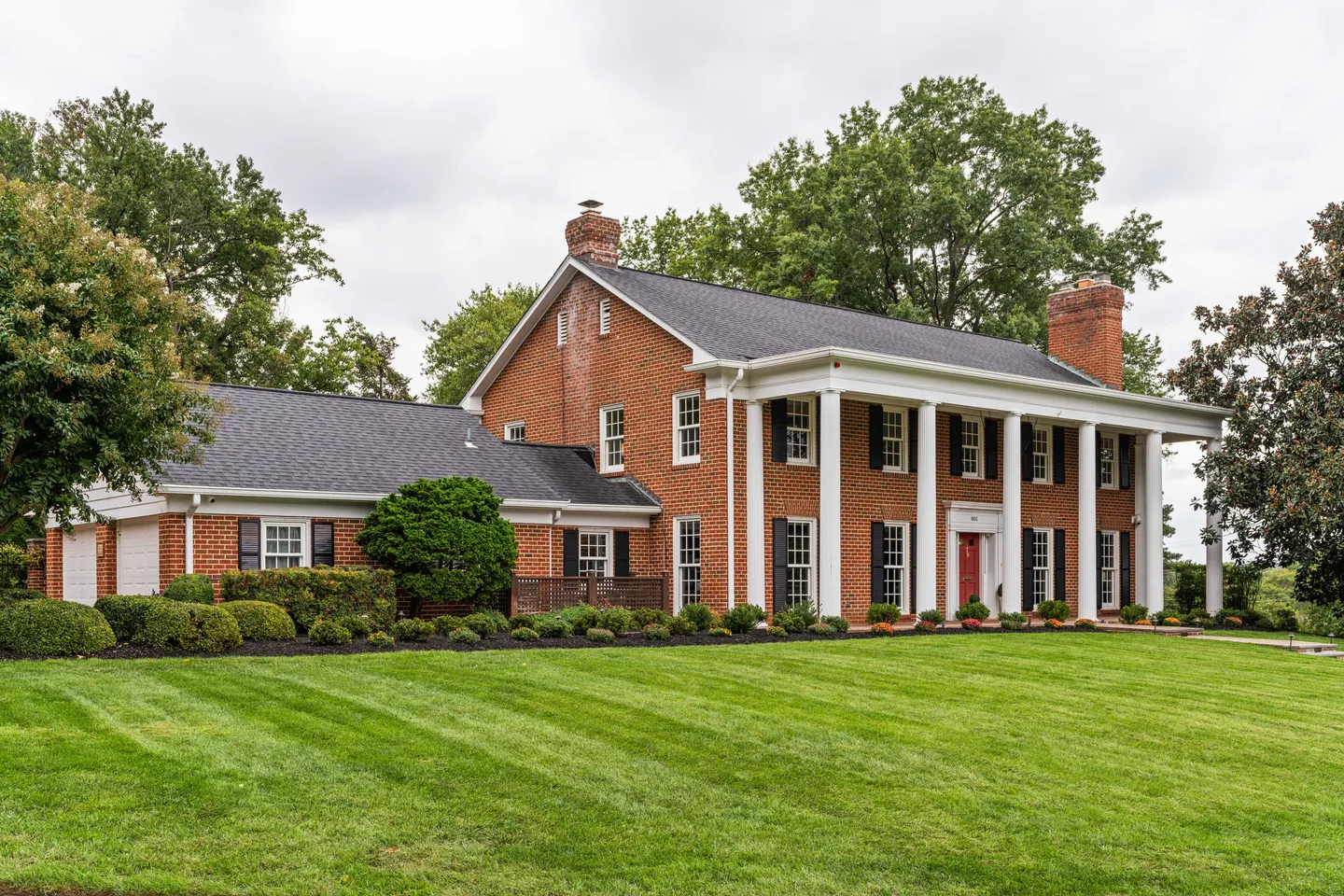
How you sell it as an add-on
- 01
Add it to your order form
List the edit as an add-on at your own price.
- 02
Make it in the order
Pick the photos and edits, then generate.
- 03
Keep the best take
Compare with the original. Keep it or try again.
- 04
Delivered with the shoot
Same gallery, right next to the original.
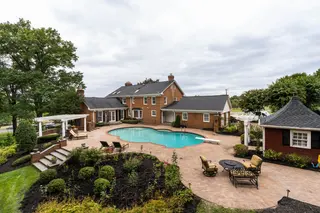
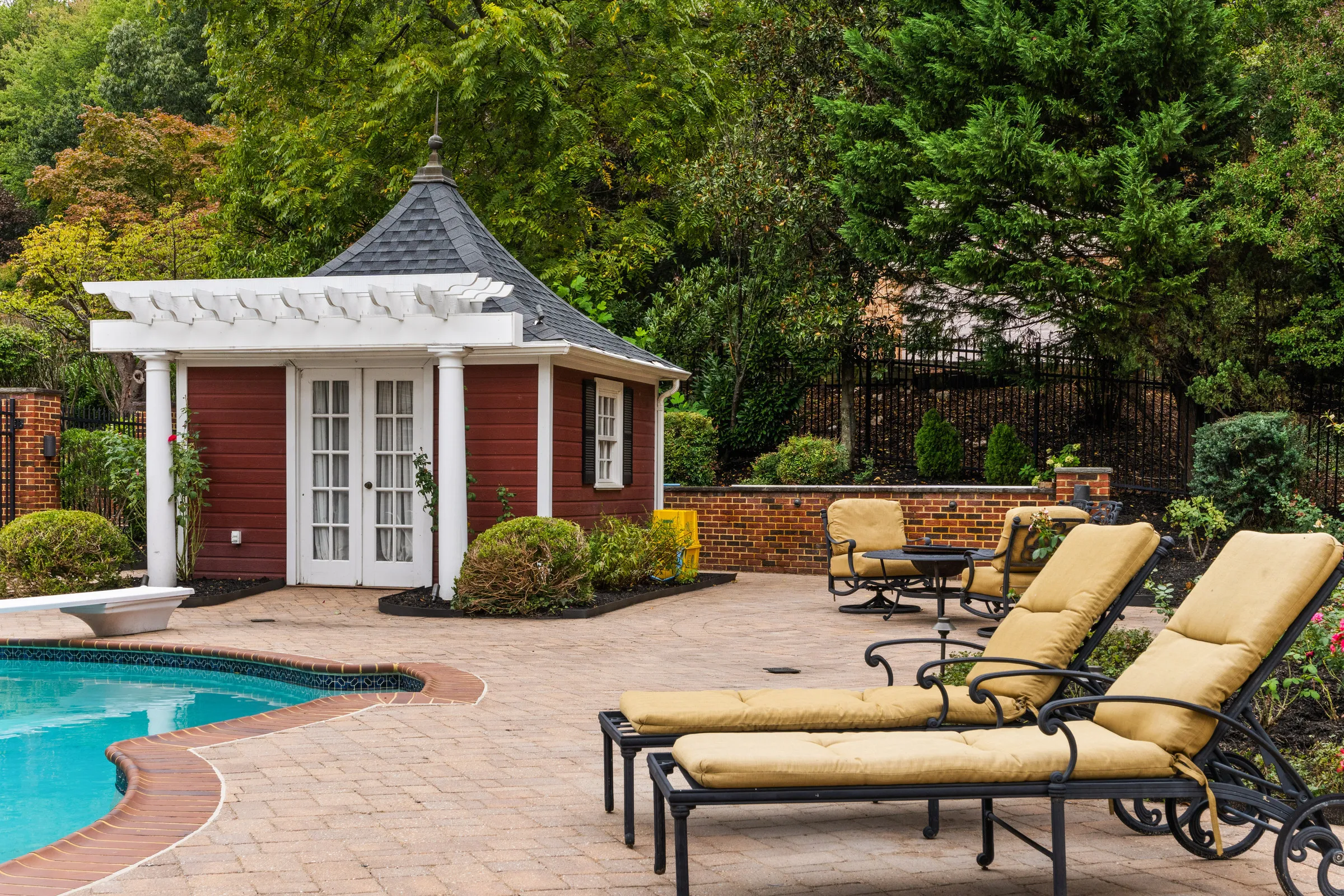
Real light, not a pasted-in sky.
AI Studio relights the whole scene. Shadows land where the sun would put them, water catches the light, and every detail stays as you shot it.
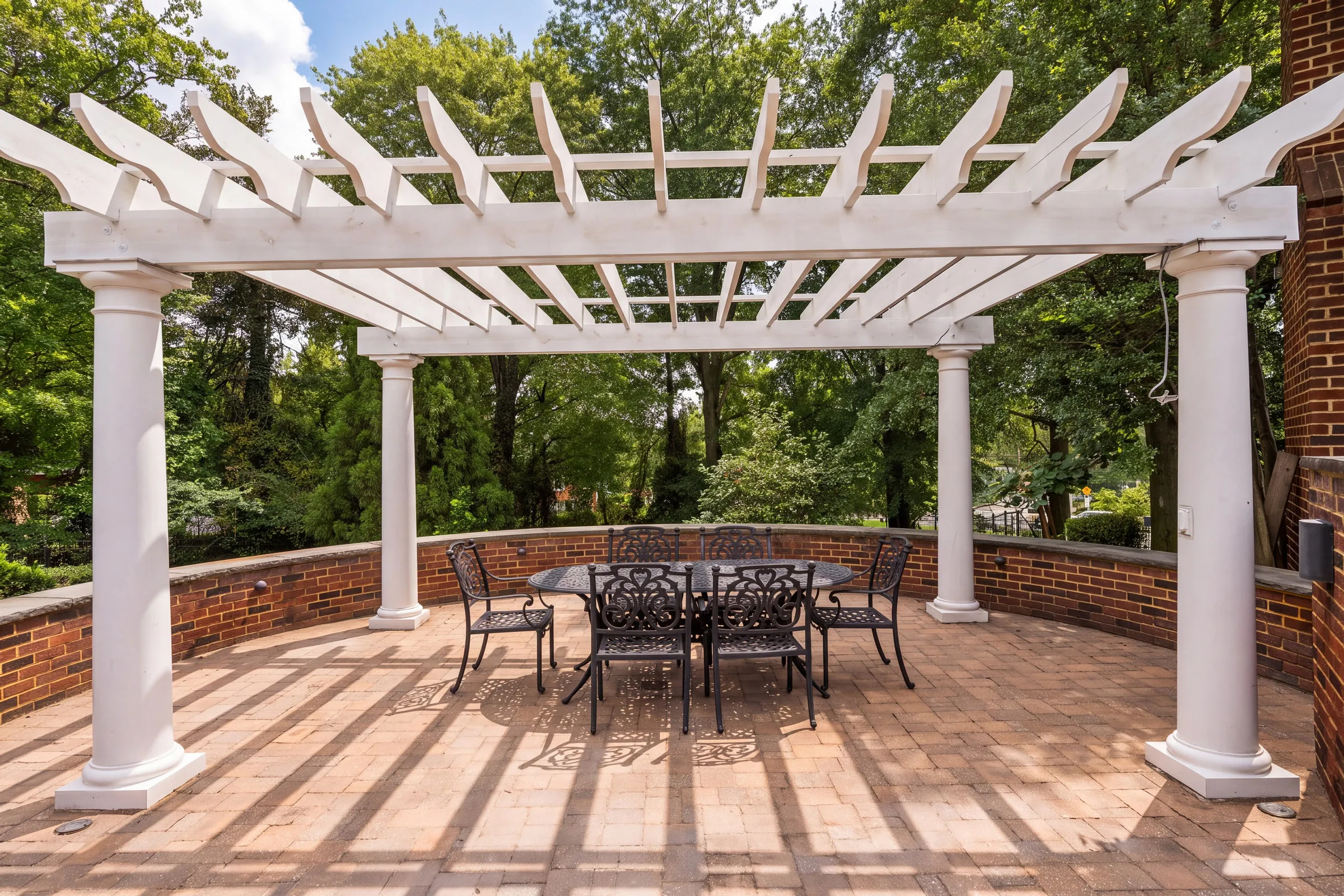
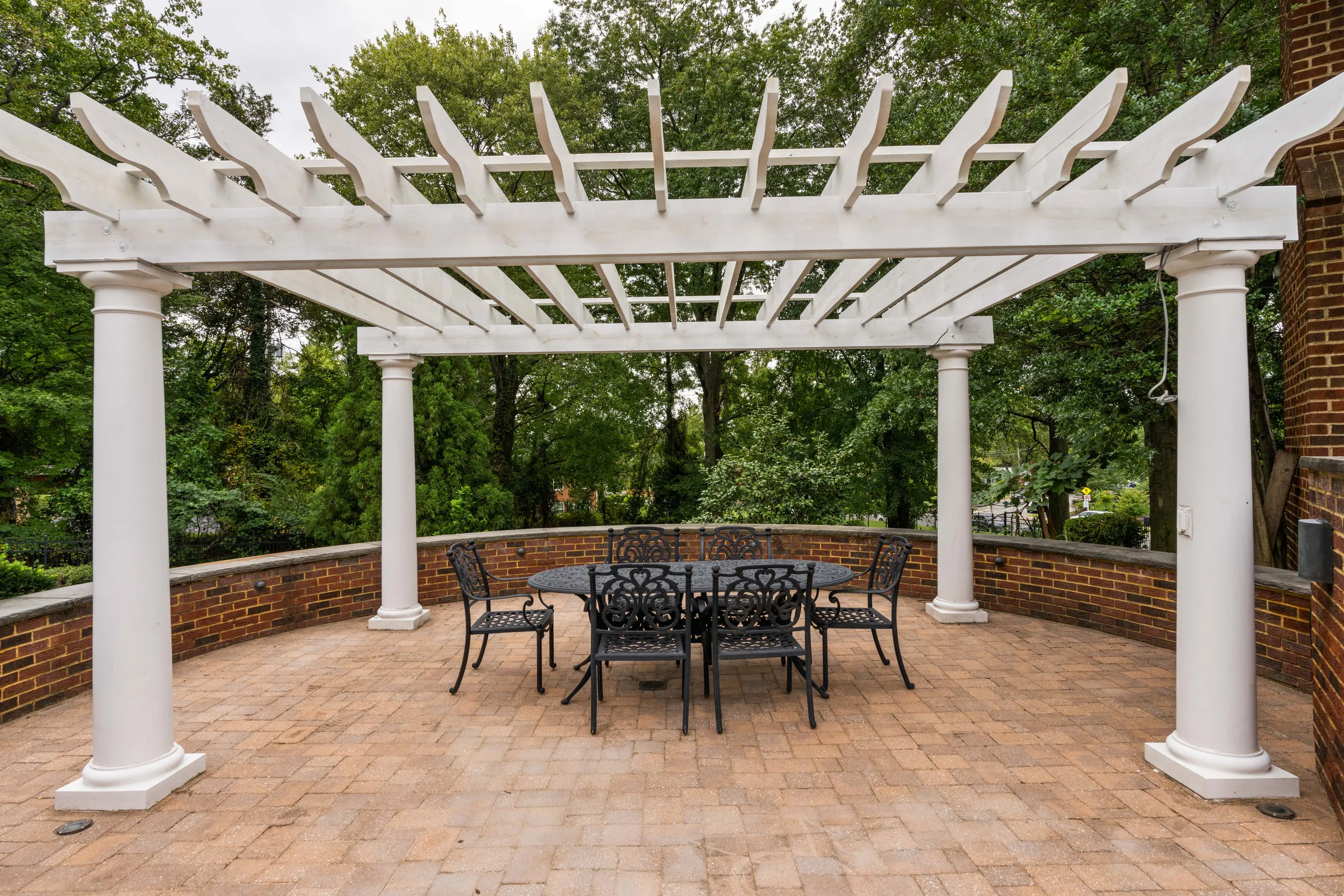
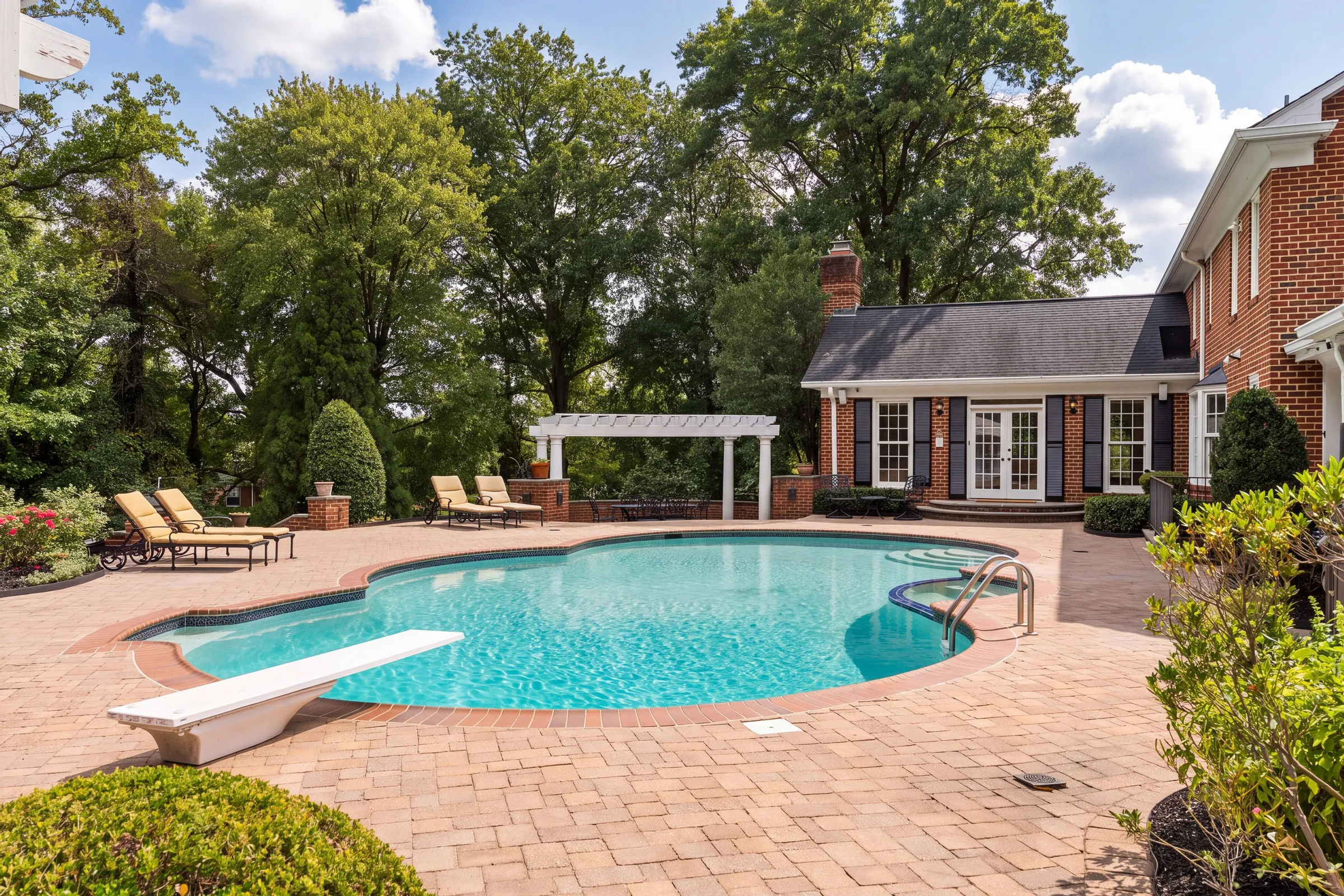
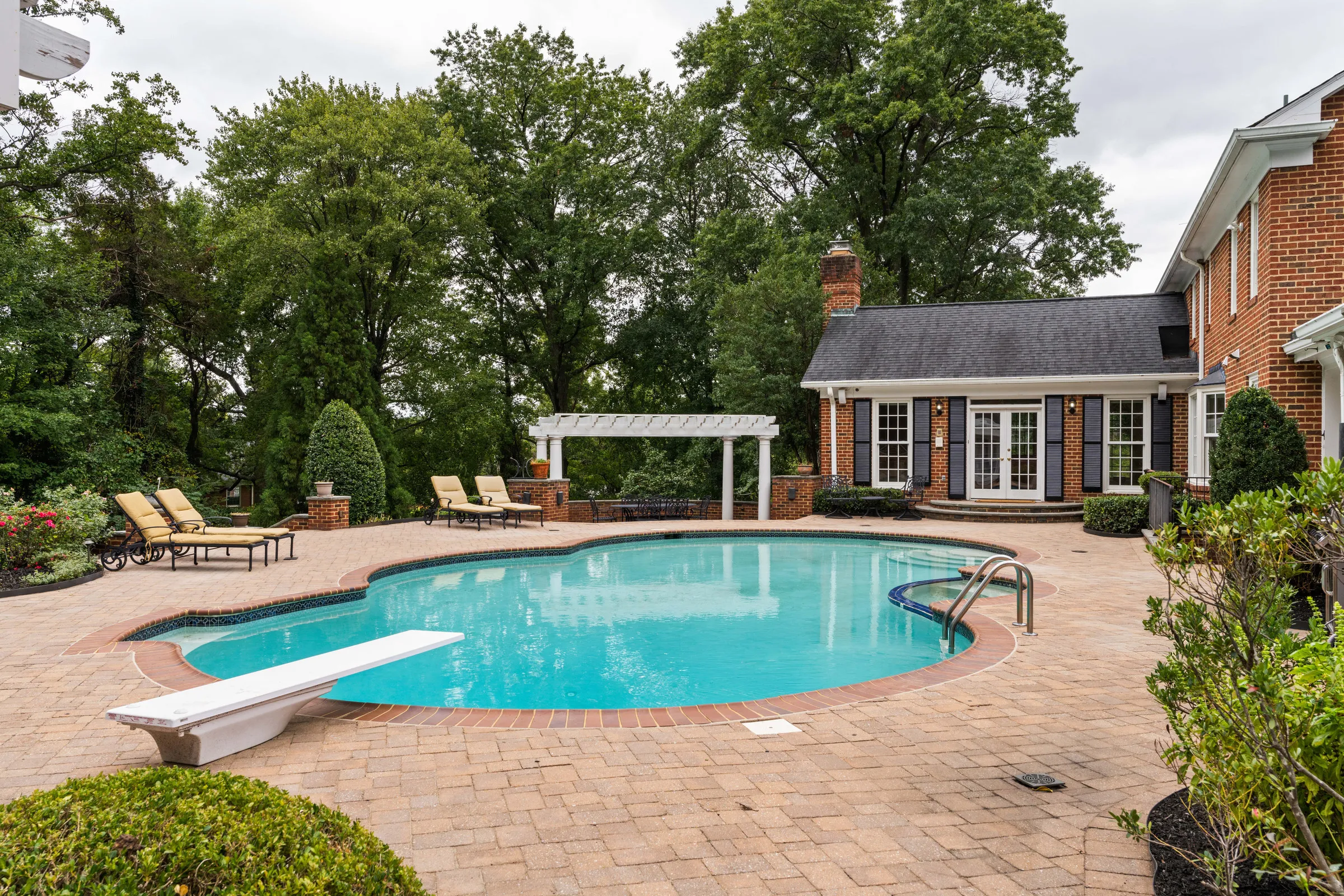
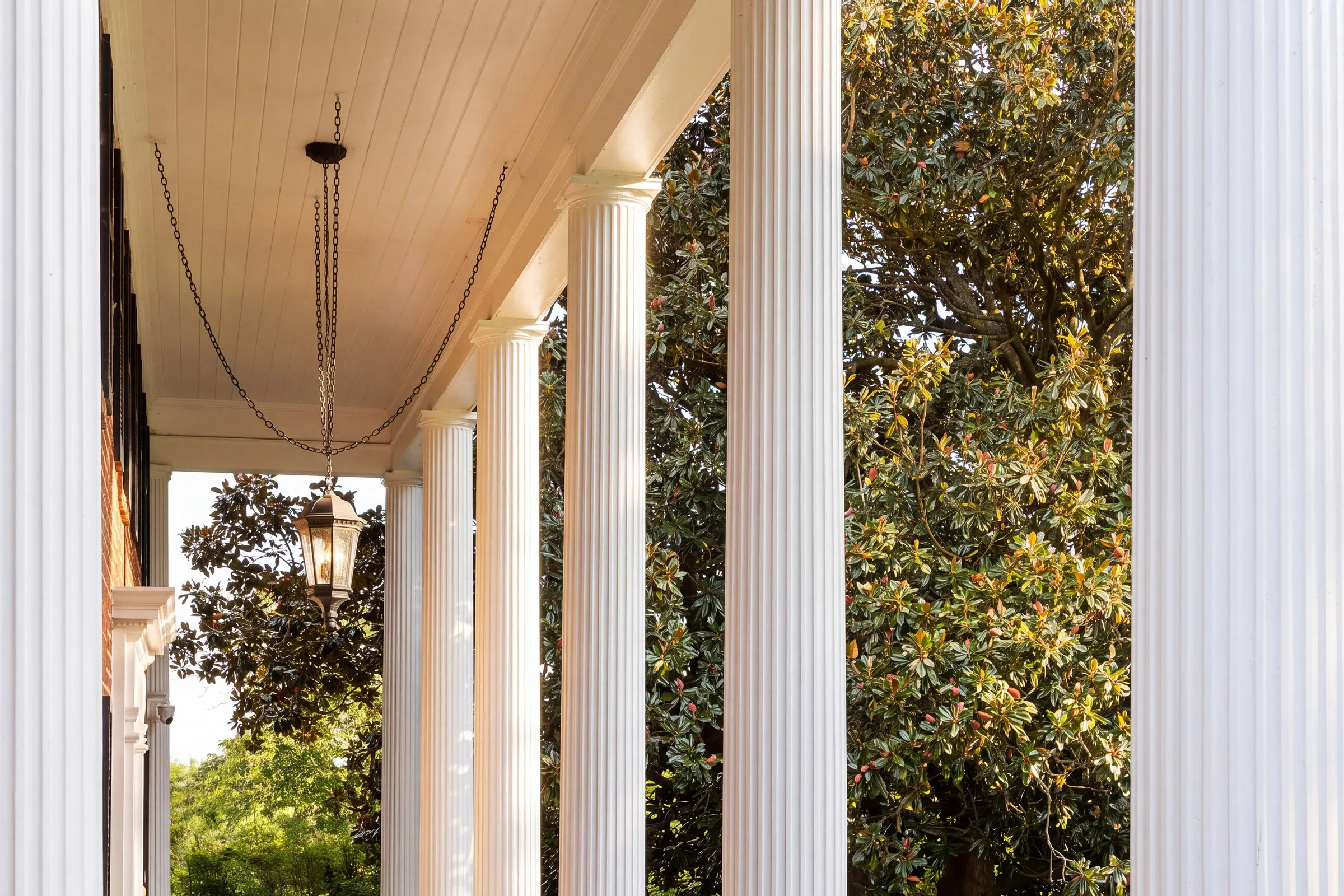
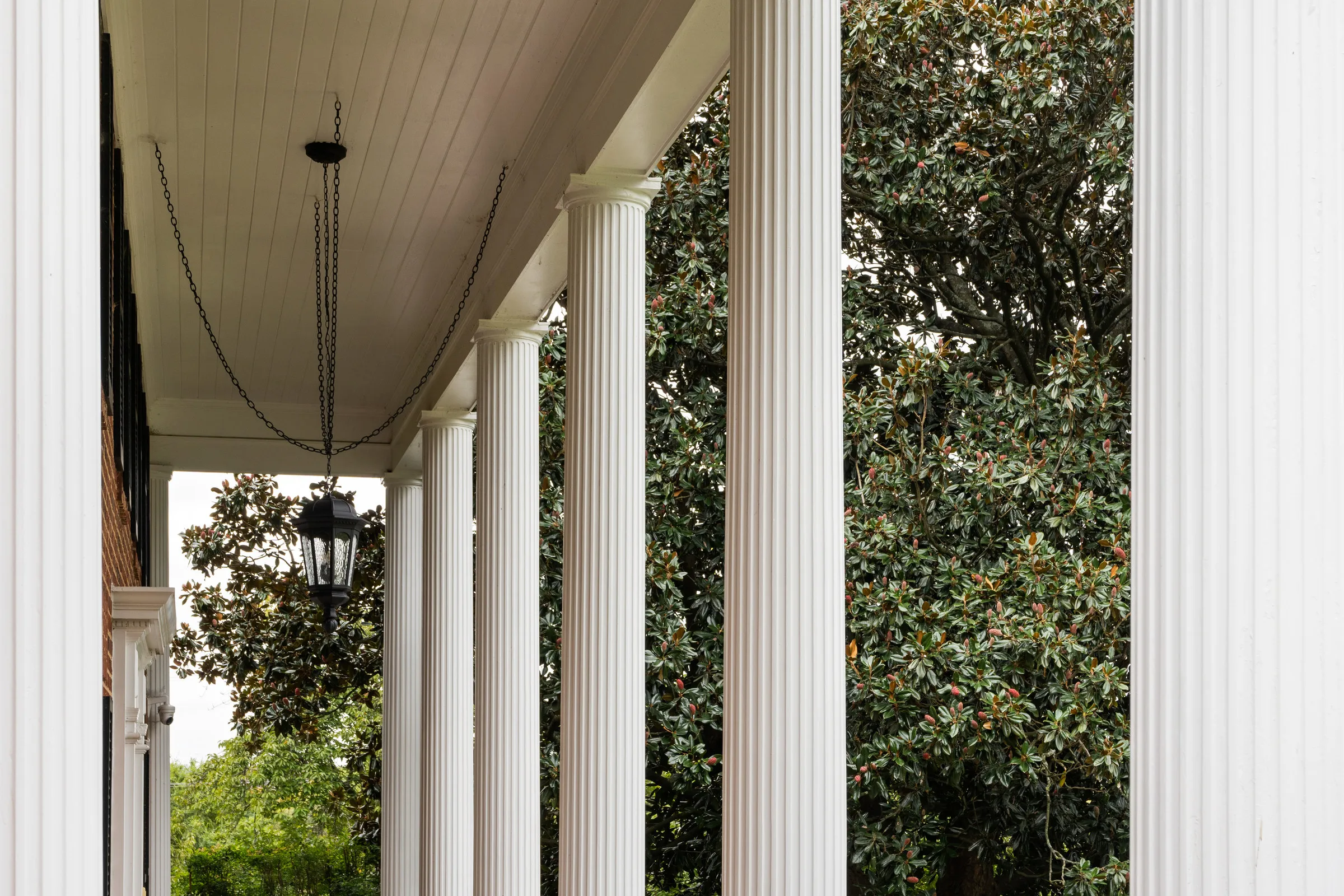
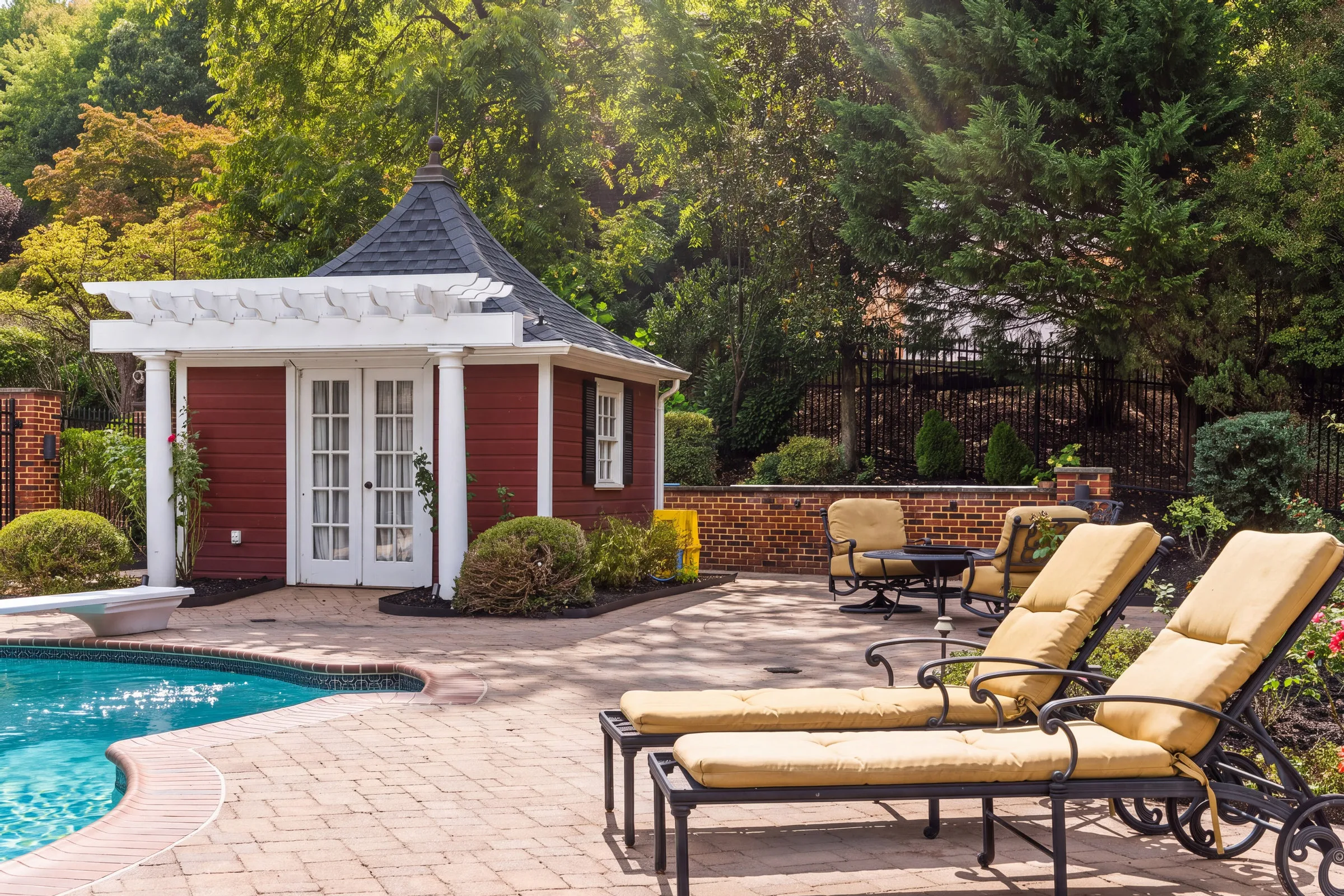
What can AI Studio edit?
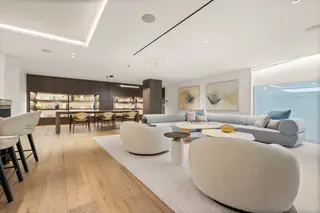
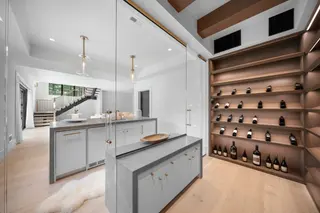
Fix the weather, stage the empty rooms and clear the clutter, without going back to the property. Or describe exactly what you want.
-
Virtual staging
Furnish an empty room, in nine styles
-
Virtual twilight
Golden hour, blue hour or after dark
-
Declutter
Tidy an occupied room
-
Remove objects
Describe what should go
-
Green lawn
Revive patchy or browned grass
-
TV screen
Fill the black rectangle
-
Sky replacement
Swap a grey sky for a clear blue one
-
Lights & fireplace
Lamps on, fire lit
-
Window pull
Recover the blown-out view
-
Enhance
Balance exposure, color and clarity
-
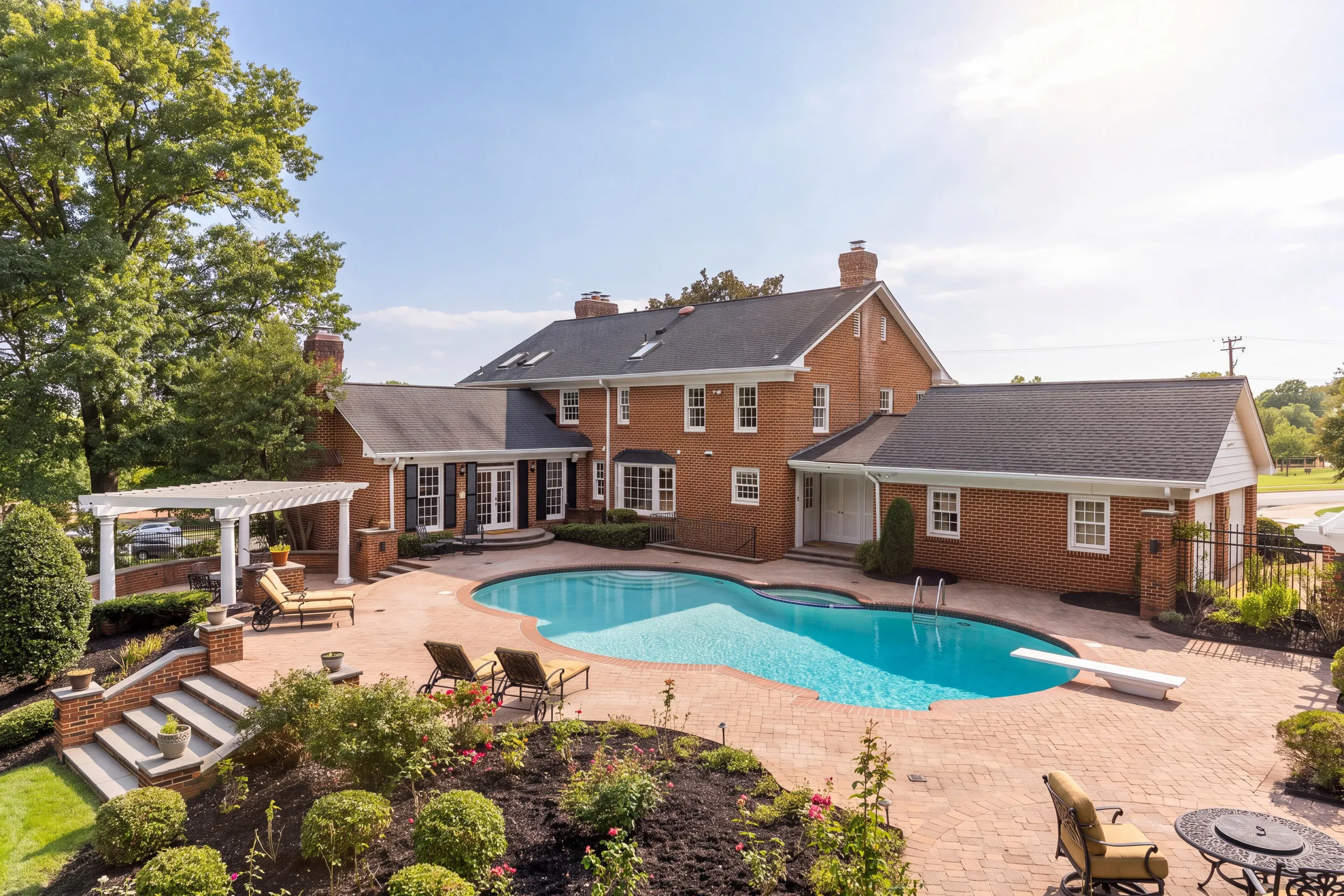
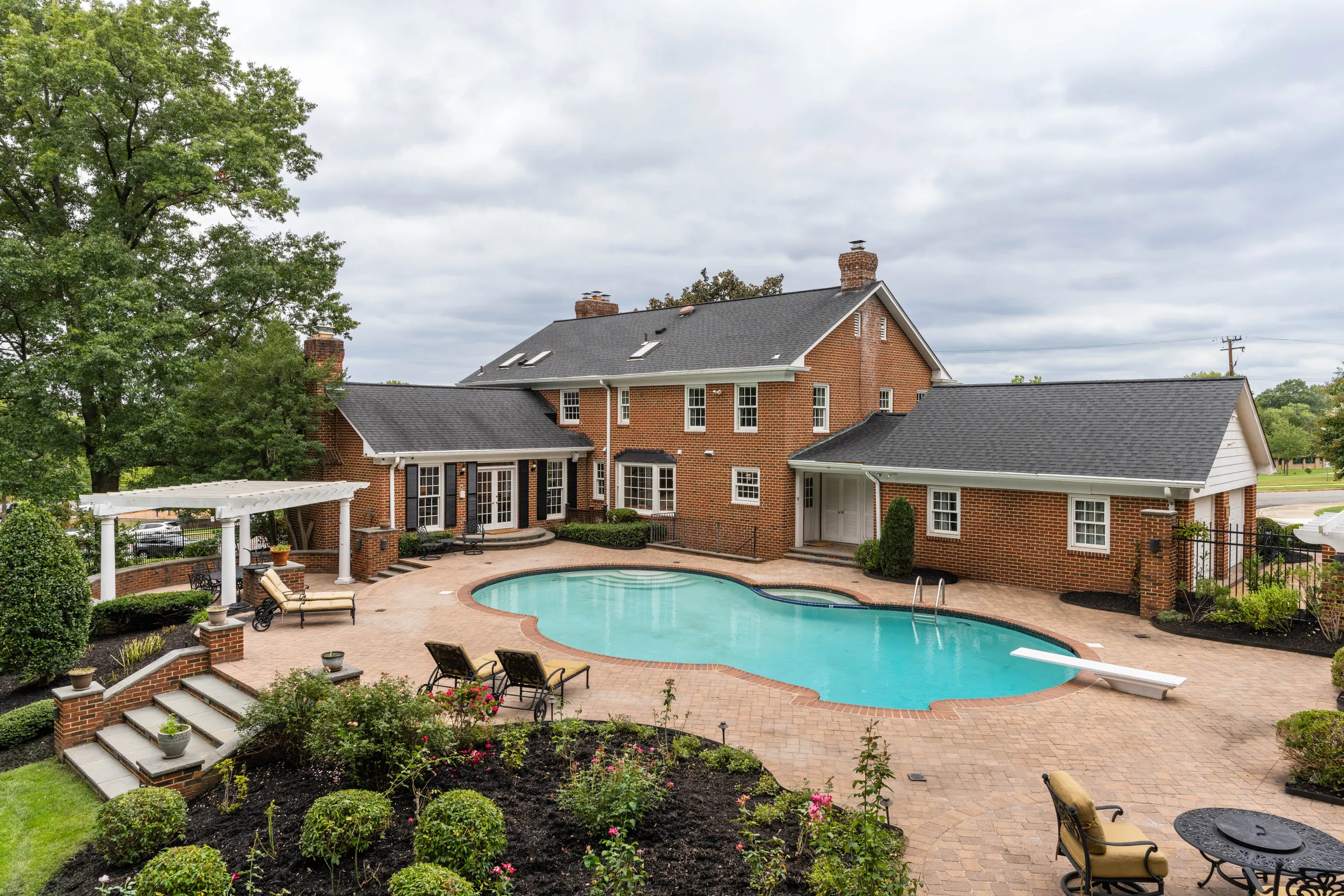
Pool water
Clean, natural pool color
-
Virtual renovation
Swap floors, cabinets, countertops or paint
-
Season swap
Turn a winter shot green
-
Describe it yourself
Not on the list? Tell AI Studio what to change.
For example: “Clear blue sky, green up the lawn, and take the bins off the driveway.”
How much does AI photo editing cost?
Each edited photo costs 25 credits at 2K or 50 at 4K, however many edits you stack on it. That works out to 21–25¢ a photo, depending on the pack.
Credit packs
One-time. Never expire.
| Pack | 2K photos | Per 2K photo | Per 4K photo |
|---|---|---|---|
| $10 1,000 credits | 40 | 25¢ | 50¢ |
| $25 2,650 credits +6% | 106 | 24¢ | 47¢ |
| $50 5,600 credits +12% | 224 | 22¢ | 45¢ |
| $100 11,500 credits +15% | 460 | 22¢ | 43¢ |
| $250 30,000 credits +20% | 1,200 | 21¢ | 42¢ |
Included with your plan
- Starter Credit packs No monthly credits
- Pro 1,000 credits a month About 40 photos at 2K
- Team 2,000 credits a month About 80 photos at 2K
Monthly credits are used first and reset each month. Top up with a pack on any paid plan.
Sell the edit, not just the shoot.
Agents already pay for twilight and staging. Offer them on every order, with no reshoot and no second app.
- A new revenue line, with no extra shooting
- Fix grey skies and brown lawns without going back
- Priced your way, as an add-on on your order form
What an AI add-on could earn you
Example · your pricesYou keep
+$495a month
- You charge
- $500
- AI Studio
- $5
- You keep
- $495
At about 25¢ a photo. Agents typically pay $60–$300 to virtually stage a listing.
AI photo editing,
answered.
Pricing, plans, disclosure and what happens to your originals.
AI photo editing changes a finished listing photo: it turns a daytime exterior into twilight, furnishes an empty room, swaps a grey sky or greens up a lawn. In Spatiko, those edits run in AI Studio on the photos already on the order, and you review every result before anything reaches your client.
Yes. Create them as add-on services on your order form at your own prices, then make the edits in AI Studio on that order's photos. Kept edits join the order as new photos and go out in the same delivery gallery, with no separate editing app and no file handoff.
25 credits a photo at 2K and 50 at 4K. Depending on the credit pack, that's about 21–25¢ a photo at 2K and 42–50¢ at 4K. Up to six edits stacked in one render still count as one photo, so twilight plus a green lawn plus clean pool water costs the same as twilight alone.
AI Studio is on Starter and up and runs on AI credits. Starter has no monthly allowance, so you buy one-time credit packs, from $10 for 1,000 credits. Pro includes 1,000 credits a month and Team includes 2,000. Purchased credits never expire. See pricing.
Virtual staging in nine styles, virtual twilight, declutter, remove objects, green lawn, sky replacement, TV screen, lights and fireplace, window pull, enhance, pool water, virtual renovation and season swap. For anything else, describe the change in your own words. You can stack up to six edits on a photo in one render.
No. When you keep a result, it's added to the order as a new photo next to the original, and both go out with the delivery. The original is never replaced or moved. If you only want to send one version, remove the other from the order before you deliver.
Yes. Every result waits for your review. Compare it with the original, then keep it, discard it or try again, and only kept edits are added to the order. AI can make mistakes, so check edges, reflections and fine details like window frames and railings at full size.
Most edits finish in under two minutes. Renders run in the background, so you can close the studio and keep working. When things are busy, a render can wait in the queue for up to about 15 minutes, and any render that runs past 25 minutes is stopped and its credits returned.
No. It doesn't merge brackets or do your editor's full retouching pass. It's for add-on edits on photos that are already finished: a staged empty room, a twilight exterior, a cleaner sky. Keep your editor or editing service for the core edit and use AI Studio for the extras agents order.
Often, yes. California's AB 723, in force since January 2026, requires a disclosure on digitally altered listing images and access to the unaltered original, and many MLSs have their own labeling rules. AI Studio keeps the original next to every edit, so your agent has both. Results aren't labeled as AI-edited automatically, so check the rules where your clients list.
Agents can't run AI edits. They book the add-on you list on your order form, or ask for changes on a delivery, and you make the edit in AI Studio. That keeps every result in your hands until you've approved it.
Works with the rest of Spatiko
Your next listing, with twilight on the order form.
Start free, set up your order form, and add AI edits when you're ready. AI Studio is on Starter and up, from 25 credits a photo.